Kyte Shipyard 1.6: AI Error Correction and IntelliSense for Web Development
What's new in Kyte Shipyard 1.6 — AI-powered error analysis with auto-fix, full IntelliSense for PHP and JavaScript, cron job management, and internationalization support.
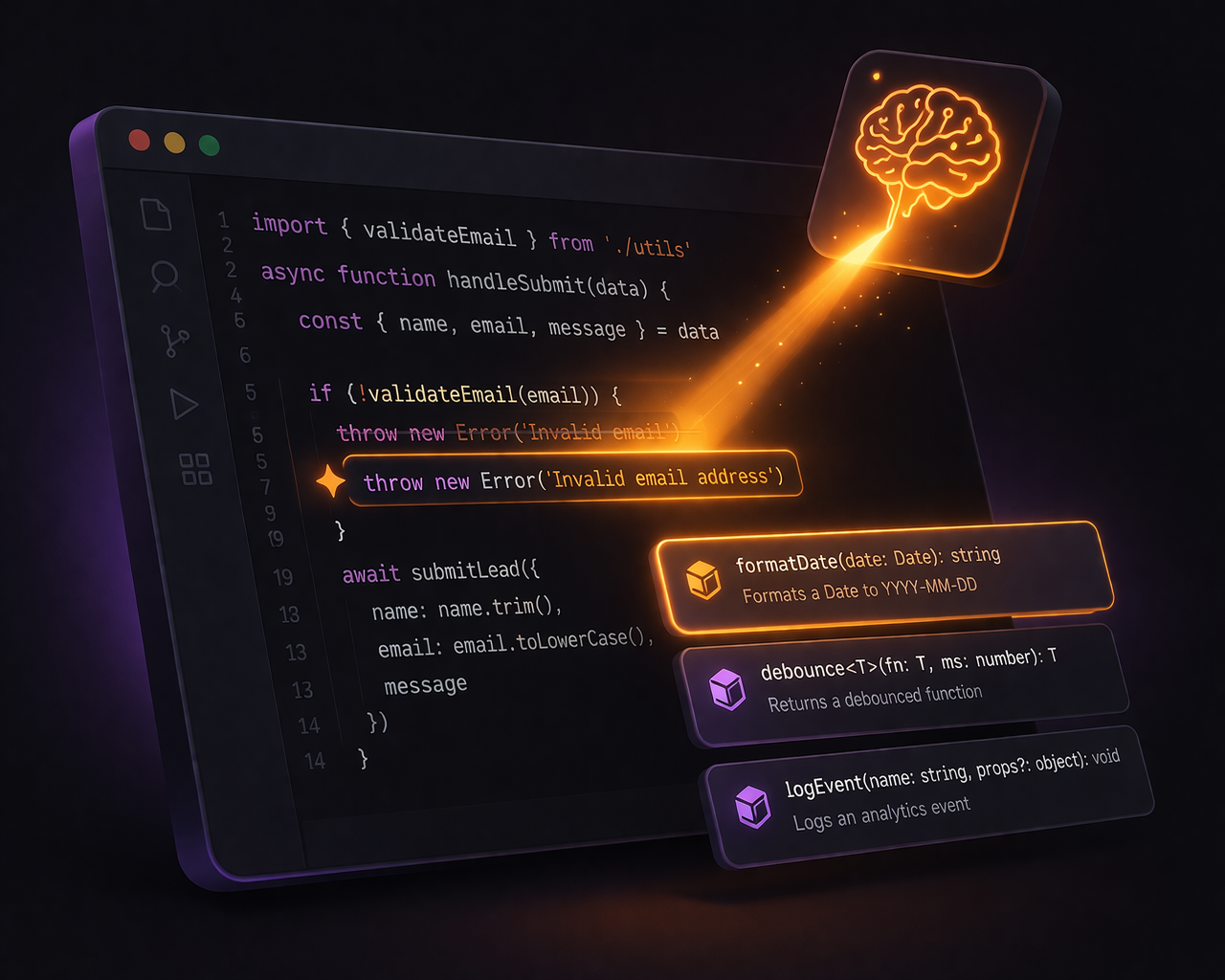
Debugging production issues, context-switching to documentation, and configuring external schedulers are some of the most time-consuming parts of maintaining a web application. Kyte Shipyard 1.6 directly targets all three.
For those unfamiliar, Kyte Shipyard is the visual management interface for the Kyte Framework — our database-driven MVC framework for building web applications. Shipyard lets you define models, write controller logic, build pages, and manage deployments without touching configuration files.
What’s New in 1.6
This release focuses on reducing friction in day-to-day development:
- Faster resolution of production errors with AI-assisted analysis and fixes
- Less context-switching with built-in IntelliSense for PHP and JavaScript
- Built-in scheduling for background tasks without external cron configuration
- Native multilingual support for international applications
AI Error Correction
This feature changes how you handle production errors. Instead of manually debugging every issue, Shipyard can now analyze and resolve common errors automatically using AWS Bedrock — or present a suggested fix for your review.
The system operates in three modes:
Automatic mode analyzes errors, generates a fix, and applies it if the confidence score exceeds your configured threshold (default: 90%). This is the “fix it and move on” mode for common issues like typos, missing null checks, and incorrect method signatures.
Suggested mode performs the same analysis but presents the fix for manual review. You see the error, the AI’s diagnosis, and the proposed code change. One click to apply, one click to reject.
Disabled mode collects errors for review without any AI analysis — useful if you want to monitor error patterns without incurring Bedrock costs.
The AI Error Assistant dashboard gives you a real-time view of your application’s health:
- Total analyses with status breakdown (completed, queued, processing)
- Fix success rate and average confidence
- Estimated Bedrock token costs (weekly and monthly)
- 7-day trend chart
- Filterable list of recent analyses
Several safety features prevent the system from causing more problems than it solves:
- Confidence threshold — fixes below the minimum confidence are suggested, never auto-applied
- Rate limiting — configurable maximum analyses per hour and per day
- Monthly cost cap — hard limit on Bedrock spending
- Loop detection — if the same error recurs after a fix (5 attempts within a 60-minute window), auto-fix is disabled for that error pattern and an alert is raised
- Cooldown periods — minimum time between analyses (default: 30 minutes)
This is not a replacement for proper debugging, but it handles the common cases — the typo you pushed at 5 PM, the undefined variable that slipped through testing, the edge case that only manifests in production.
IntelliSense for PHP and JavaScript
Kyte Shipyard’s code editors now provide full IntelliSense powered by Monaco Editor — the same editor that powers VS Code. This reduces the need to reference external documentation and significantly speeds up development.
PHP IntelliSense understands the Kyte framework’s object model:
- Type
$this->and get suggestions for all available properties:user,account,session,api,model,response, and more - Type
$this->api->for the API reference object’s properties - Type
$this->user->for authenticated user fields (id, name, email, account) - Model method suggestions with parameter signatures
- Environment variable suggestions
JavaScript IntelliSense covers the Kyte JS SDK:
- Type
k.to see all API methods:get(),post(),put(),delete(),sign() - Full signature help shows parameter hints as you type
- Kyte UI component classes:
KyteTable,KyteForm,KyteNav,KyteSidenav,KyteCalendar - Snippet insertion with tab stops for rapid coding
The IntelliSense triggers automatically on . and > characters, and can be invoked manually with Cmd+Space or Ctrl+Space. Every suggestion includes documentation so you do not need to switch to the docs to check a method signature.
Cron Job Management
Kyte applications can now run scheduled tasks directly from Shipyard, removing the need for external schedulers or server-level cron configuration. The cron job interface includes a three-step creation wizard:
- Basic info — job name and description
- Schedule — interval-based, daily, weekly, monthly, or custom cron expression with timezone support
- Settings — timeout, initial state (enabled/disabled), retry configuration
Each cron job has three function hooks:
execute()— the main job logicsetUp()— pre-execution initializationtearDown()— cleanup after execution
The code editor for cron functions gets the same Monaco IntelliSense treatment as controllers, with version control for tracking changes over time.
The monitoring dashboard shows:
- 24-hour success rate
- Dead letter queue (failed executions awaiting review)
- Recent execution logs with status and duration
- Enabled job count
Internationalization (i18n)
Shipyard itself now speaks four languages: English, Japanese, Spanish, and Korean. The interface auto-detects your browser language and persists your preference.
This is not just translated labels — the entire interface is localized:
- Error and success messages
- Form labels and placeholders
- Navigation and menu items
- Table columns and filter panels
- Modal titles and button text
- Validation messages
The implementation uses a custom i18n system with data-i18n attributes and parameterized translations. Adding a new language requires translating a single JSON file with approximately 1,600 strings.
For Kyte application developers, this makes it significantly easier to build and manage multilingual applications without additional tooling — from an interface that speaks your language.
Other Improvements in 1.6
Page version control. View, preview, and restore previous versions of any page. Each save records a change summary so you can trace what changed and why.
Controller function versioning. Track changes to custom controller functions with the same version history and restore capabilities.
Application dashboard. A single view showing model, controller, page, site, function, and cron job counts, plus real-time health metrics (critical/error/warning counts over the last 24 hours).
Function type documentation. The function editor now includes a documentation tab with detailed explanations, code examples, and best practices for every function type — hooks, overrides, and custom functions. A popup window option lets you keep the docs open on a second monitor while coding.
UI overhaul. Controller and model detail pages now use Bootstrap 5 native tabs instead of the previous sidebar navigation, with improved responsive design and quick action buttons.
Getting Started
If you are already running Kyte, upgrade Shipyard to 1.6.4 to access all of these features. The AI error correction requires an AWS Bedrock configuration, which can be set up from the new AI Error Assistant settings page.
If you are new to Kyte, Shipyard is the fastest way to understand what the framework can do. Define a model, Shipyard creates the database table and API endpoints. Write a controller function, Shipyard deploys it. Build a page, Shipyard publishes it. The framework handles the infrastructure so you can focus on the application logic.
If you are already using Kyte, upgrading to 1.6 unlocks a significantly faster development workflow. If you are evaluating frameworks, Shipyard shows what it looks like when infrastructure, tooling, and development experience are designed together. Learn more about Kyte or get in touch.