Introducing Slipstream — Remote Desktop for the Modern Team
Managing a fleet of devices shouldn't mean juggling SSH keys, VPNs, and fragmented tools. Slipstream gives your team one platform for remote desktop, terminal, and file access — from any browser.
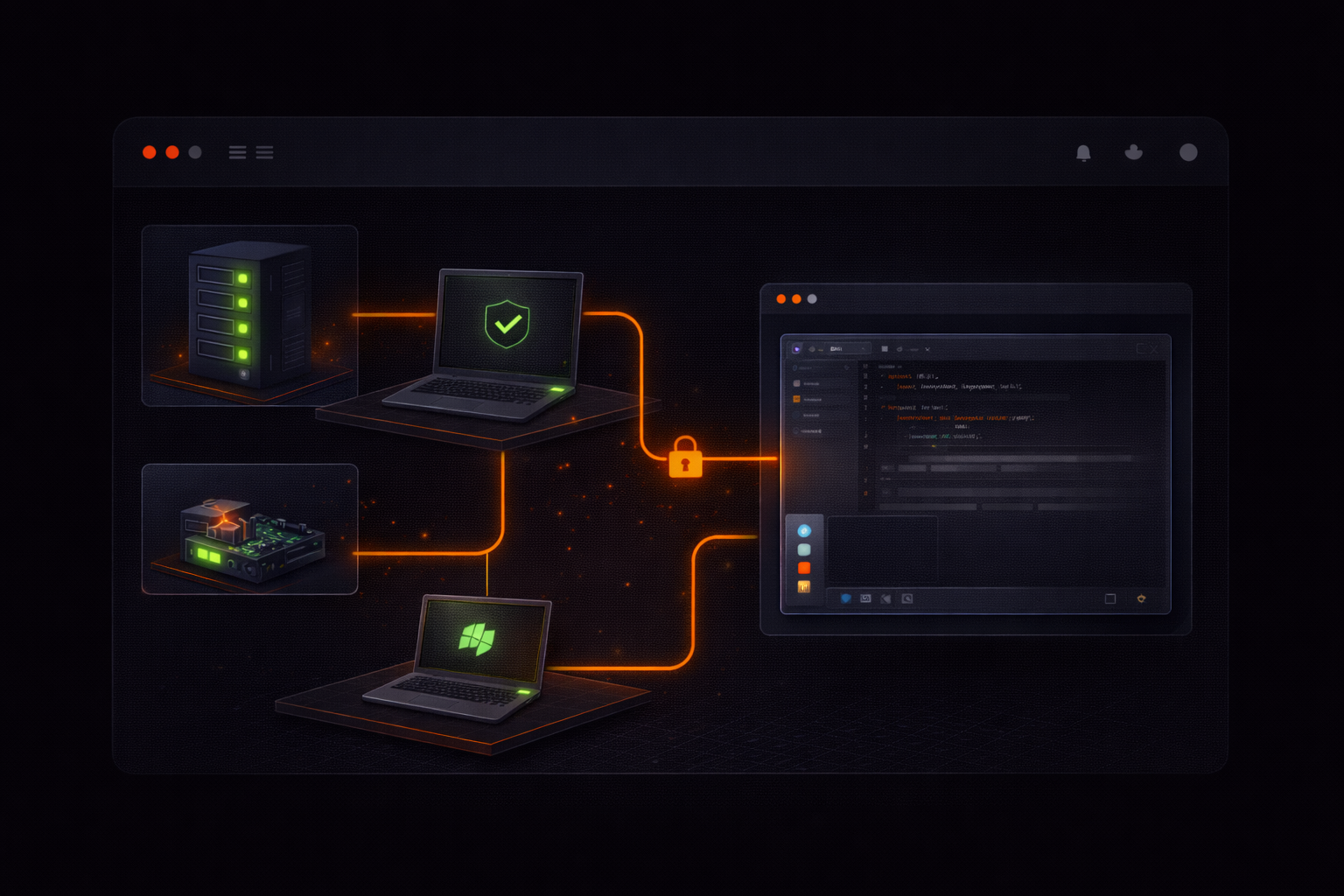
Managing a fleet of servers, devices, or edge systems sounds simple — until you actually have to support them.
Traditional remote access tools work fine for a single machine. They break down quickly when your team needs to manage dozens or hundreds of devices across locations, platforms, and permissions.
That’s where most teams hit friction.
The Problem
When remote access is slow, unreliable, or fragmented across tools, teams lose time, introduce risk, and struggle to respond to issues quickly.
Most remote access tools were designed for one-to-one support sessions. They don’t scale well for teams managing fleets of devices — where you need visibility, control, and coordination across systems.
Teams we’ve worked with consistently run into the same gaps:
- No central dashboard. Each session is a separate connection with no overview of which devices are online, who’s connected, or what happened last.
- SSH key sprawl. Managing keys across servers, developers, and CI systems becomes its own infrastructure problem.
- No audit trail. When something goes wrong, there’s no record of who accessed what, when, or what they did.
- Fragmented tooling. Remote desktop is one tool. Terminal is another. File transfer is a third. Each with its own credentials and configuration.
- Silent deployment is an afterthought. Rolling out agents to a fleet of EC2 instances or edge devices should be a one-liner, not a manual process.
A Better Approach
Slipstream is a single platform for remote desktop, terminal access, and file transfer — built from the ground up for teams managing infrastructure.
Install the agent on any device — Windows, macOS, or Linux (including ARM devices like Raspberry Pi). It’s a single binary that runs as a system service. For fleet deployment, use an enrollment token:
curl -fsSL https://slipstream-api.keyq.io/install.sh | bash -s -- --token YOUR_TOKENOne command. No interactive setup. The device registers itself and appears in your dashboard.
Connect from any browser at slipstream.keyq.io. No client software to install. Your team gets:
- Remote desktop — see and control any device’s screen. Works on your phone too.
- Terminal — full shell access, no SSH keys needed.
- File browser — navigate, download, and upload files.
- Session recording — record sessions for audit and playback.
Everything through one authenticated interface with a complete audit trail.
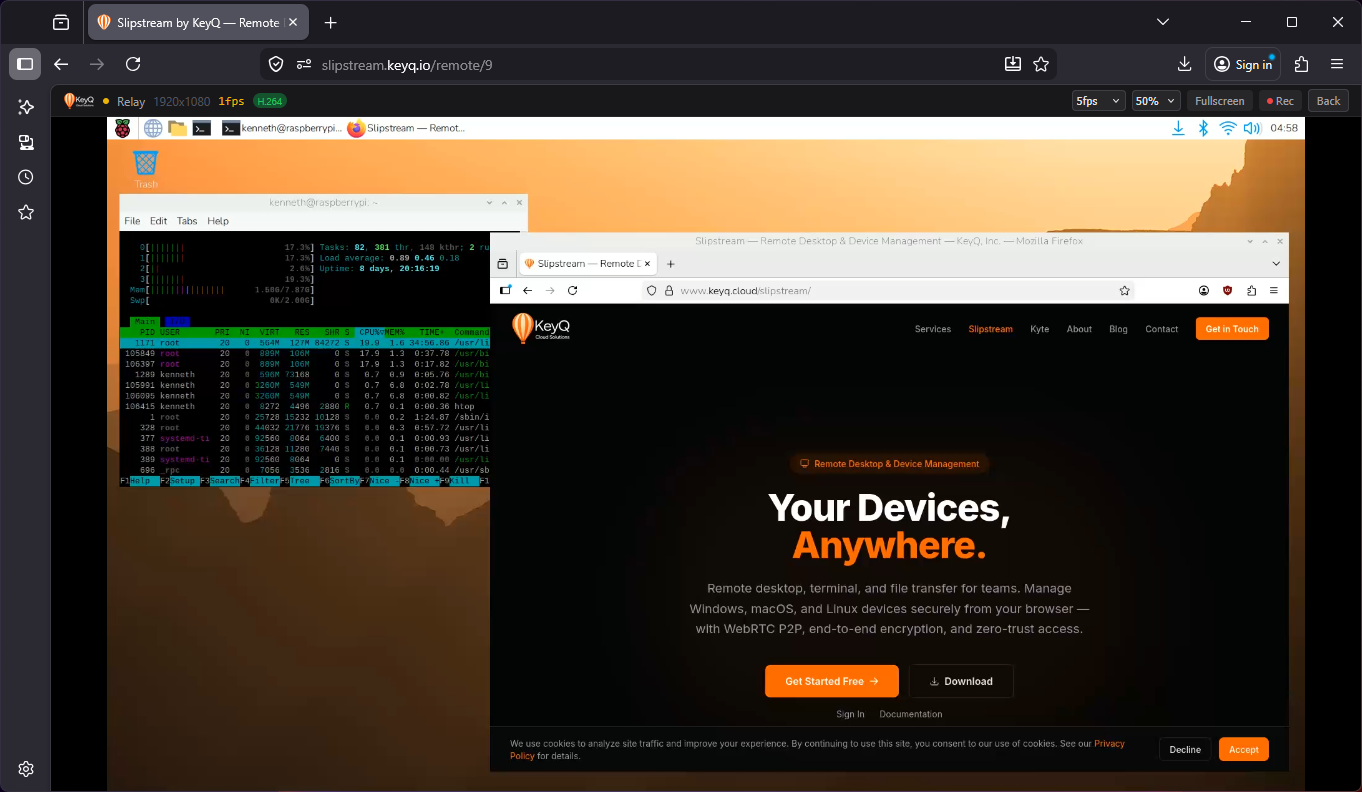
What Makes It Different
Lower latency, lower cost remote access. Most tools relay all video through centralized servers, increasing latency and cost. Slipstream uses WebRTC peer-to-peer connections — video streams directly between your browser and the device when possible. When P2P isn’t possible (strict corporate NAT), it falls back gracefully.
Smoother video, less bandwidth. Slipstream encodes screen captures as H.264 video, not JPEG frames. The result is dramatically better compression — smoother remote desktop at a fraction of the bandwidth.
Multi-monitor support. Switch between monitors from the viewer toolbar. Mouse and keyboard input maps correctly to whichever screen you’re viewing.
Access from anywhere — including mobile. The web viewer is fully responsive with touch controls. Tap to click, long-press for right-click, two-finger scroll, virtual keyboard. Troubleshoot a server from your phone while you’re away from your desk.
Built for teams, not just individuals. Organizations, roles (owner/admin/member), granular permissions (view-only, full control, terminal, files), and complete audit logs. Every login, session, file transfer, and permission change is recorded.
Fleet deployment without friction. Create an enrollment token, embed it in your Terraform user data or Ansible playbook, and devices register themselves. Long-lived API keys that never expire. Revocable from the dashboard if a device is compromised.
AI-powered device management. We’ve also built an integration with Claude that lets you manage devices through natural language — list devices, run commands, check logs — directly from your AI assistant. More on that next week.
Pricing That Scales With Your Team
Most tools either charge enterprise pricing or limit critical features behind paywalls. We designed pricing to scale with your team without locking you out of core functionality.
- Free — 1 user, 1 device, terminal access. Free forever — a simple way for individuals to get started.
- Pro — $15/user/month ($12/user billed annually). Per seat, unlimited users. 5 devices included, then $3/device/month. Terminal, file browser, and full remote desktop, plus session recording and a 90-day audit log. Starts with a 14-day free trial.
- Enterprise — custom pricing for unlimited devices, SSO, white-labeling, and dedicated support.
To evaluate the full product — remote desktop, file transfer, and multi-user access across your fleet — start a 14-day Pro trial. No credit card to look around.
Get Started
If your team is managing more than a handful of devices, Slipstream gives you a faster, simpler way to access and control your infrastructure — without stitching together multiple tools or managing SSH keys.
Try it free and see how it fits your workflow.